

My Media
Manage your own files.
Tenant Media
View storage usage for all tenants.
Tenant Media is available only to the account owner. It cannot be given to staff through roles.
My Media
My Media is your personal file library. You can store images and documents used in the admin panel, such as email templates and banners.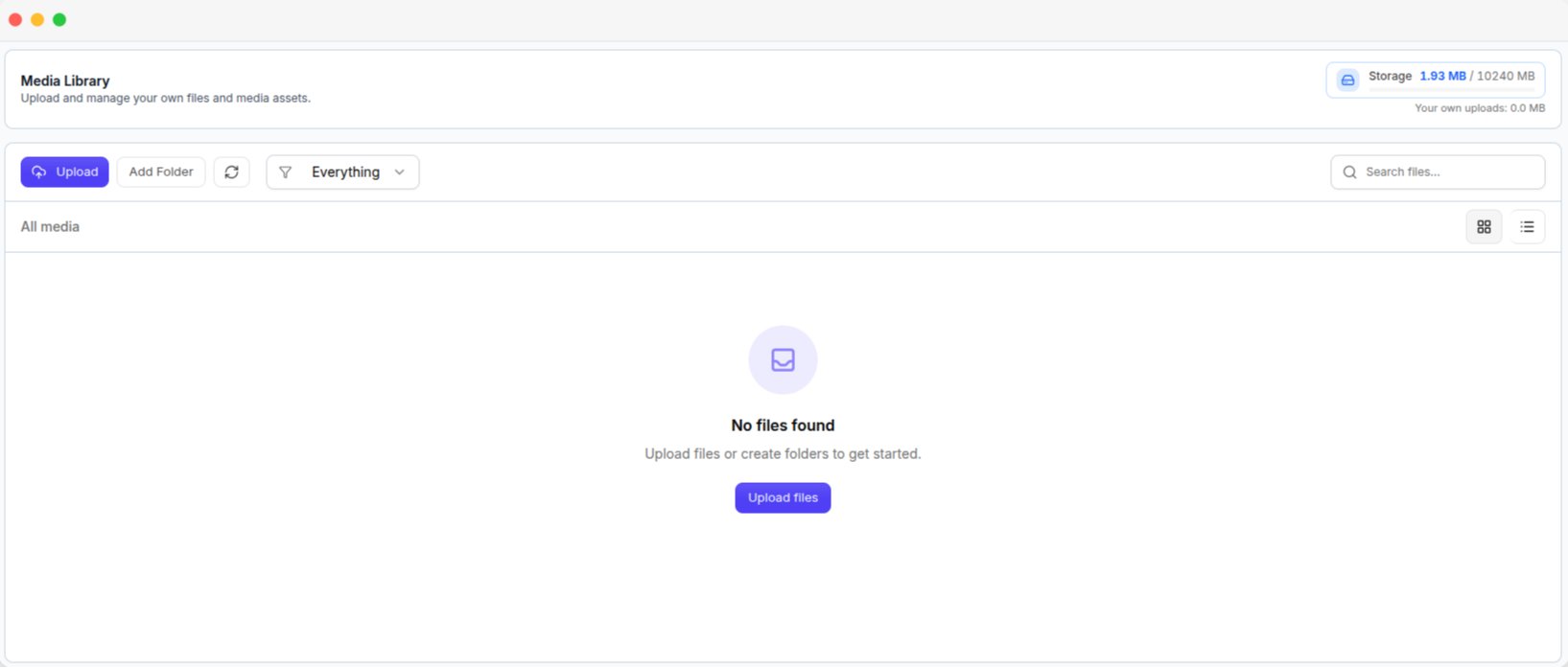
My Media, with the upload controls and the storage meter
Tenants cannot access your files. Each tenant has a separate media library in their workspace.
What you can do
- Upload files and organize them into folders.
- Delete single or multiple files.
- Copy file URL to use a file elsewhere in the platform.
Storage usage
The storage card shows the total storage used by your platform and tenants. The indicator changes to:- Amber when usage is above 75%.
- Red when usage is above 90%.
Tenant Media
Media Library → Tenant Media shows storage usage for all tenants.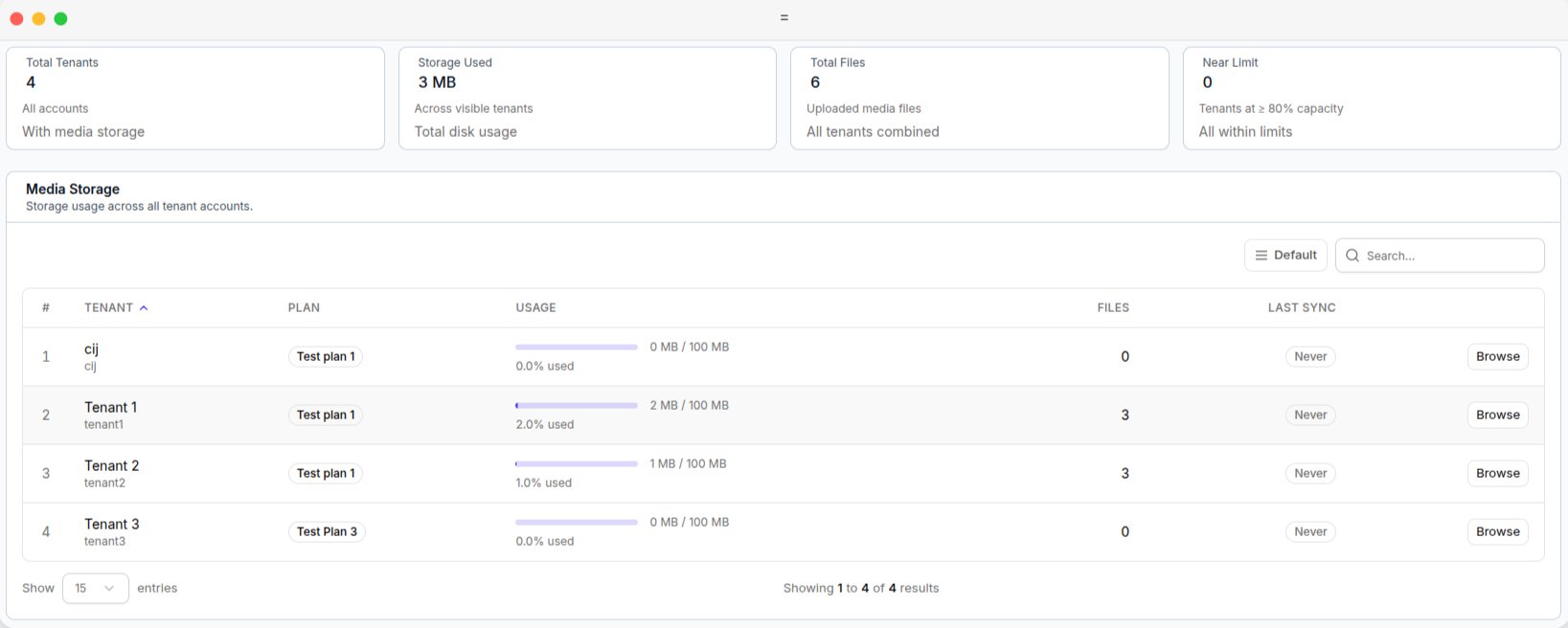
Tenant Media, with the storage summary cards and per-tenant usage
Tenant list
Storage information is updated periodically, not in real time. Last Sync shows when the information was last updated.