

These settings apply only to AI-generated flows. Tenants can still use all nodes when building flows manually.
Node list
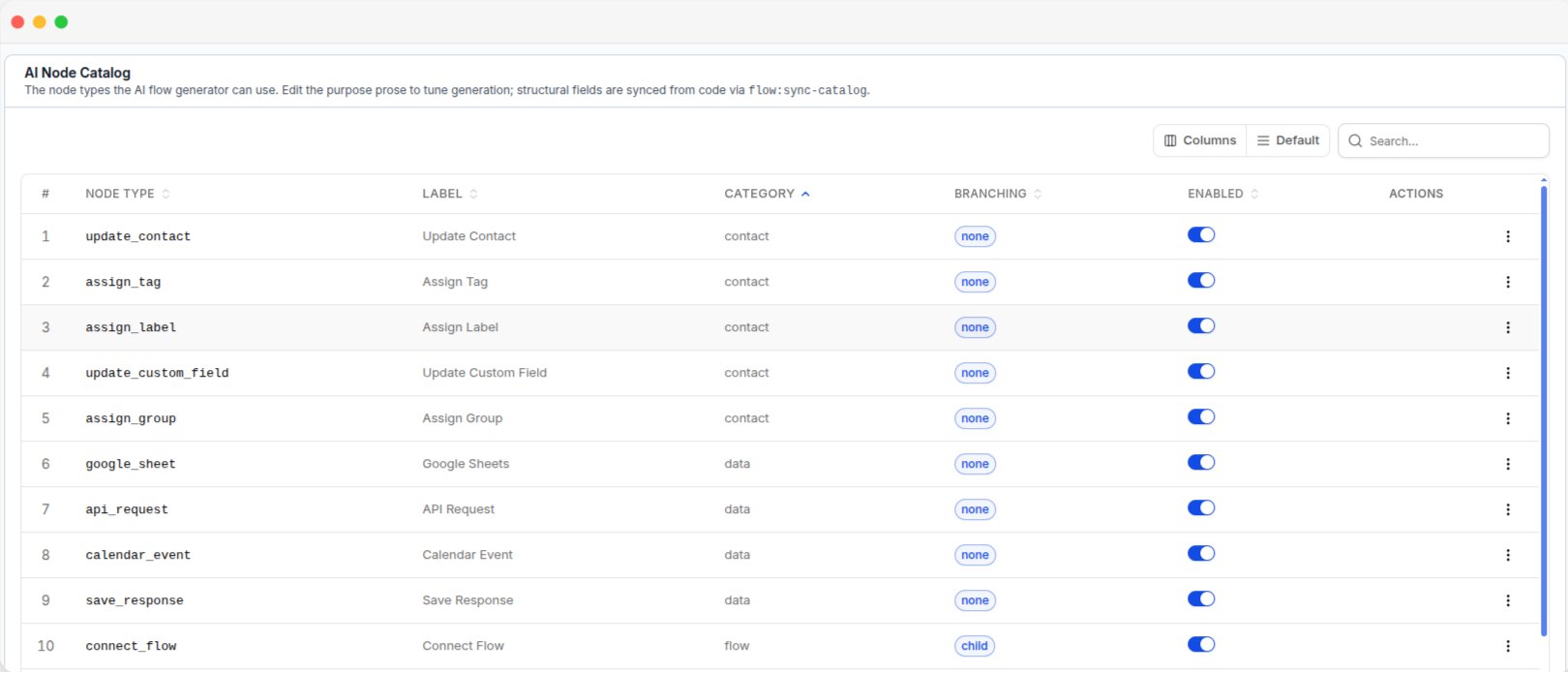
The AI Node Catalog, with each node's type, category, branching and enabled state
Configure a node
Open a node to view its details.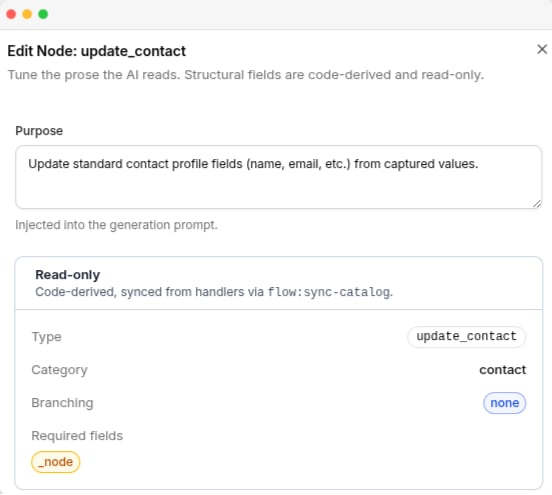
The Edit Node panel, with the editable purpose and the read-only code-derived fields
Node Type, Label, Category, and Branching are read-only. These values are controlled by the platform and updated automatically.
Enable or disable a node
Use the Enabled switch to control whether the AI can use a node.
Disabling a node does not remove it from the manual automation builder.