

Activity details
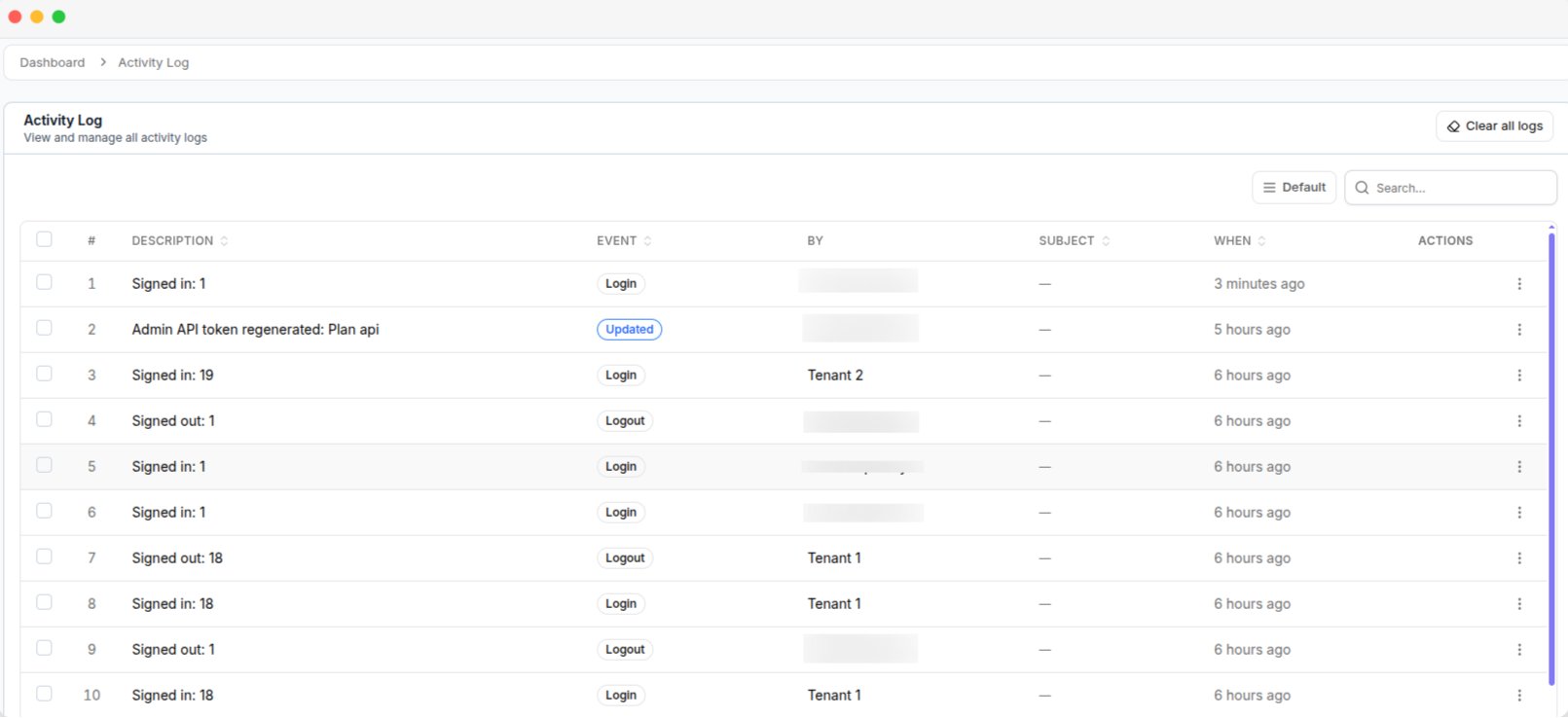
The Activity Log, with the description, event, actor and time for each entry
The log includes actions from both your admin panel and tenant workspaces. If an entry shows an unfamiliar user, it may have been created by a tenant’s staff member.
Delete activity logs
You can delete logs in three ways.- Single entry — Delete one entry from its row.
- Multiple entries — Select entries and click Delete.
- All entries — Click Clear all logs.
Give the Delete permission only to trusted staff members. Staff with this permission can remove activity records. See Users & roles.